

Calendar scheduling
Training that fits the week you actually have.
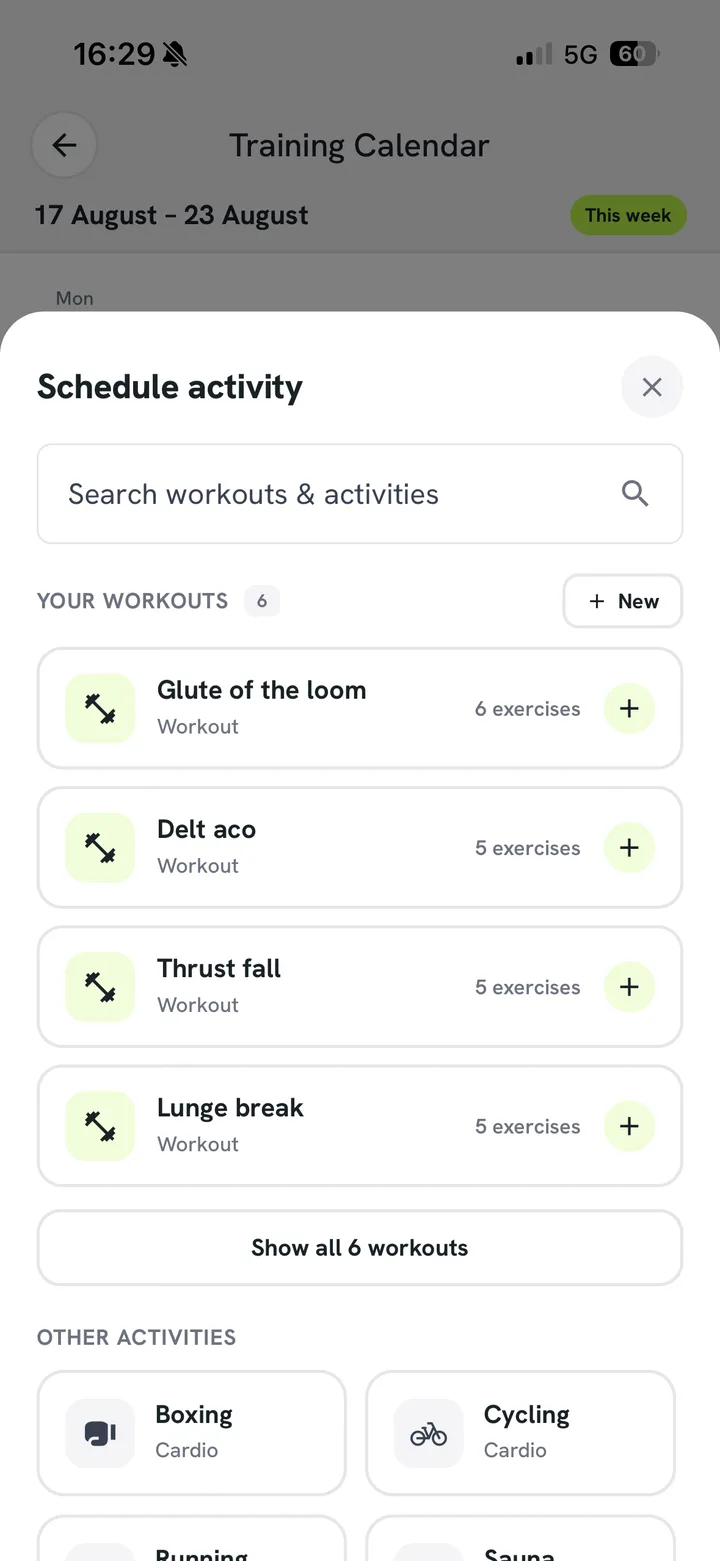
Lay your sessions out across the week and move them when life gets in the way. Rest days included — they’re part of the plan, not a gap in it.
- Drag to reschedule
- Rest days planned in
How it works
Move a session without breaking the plan
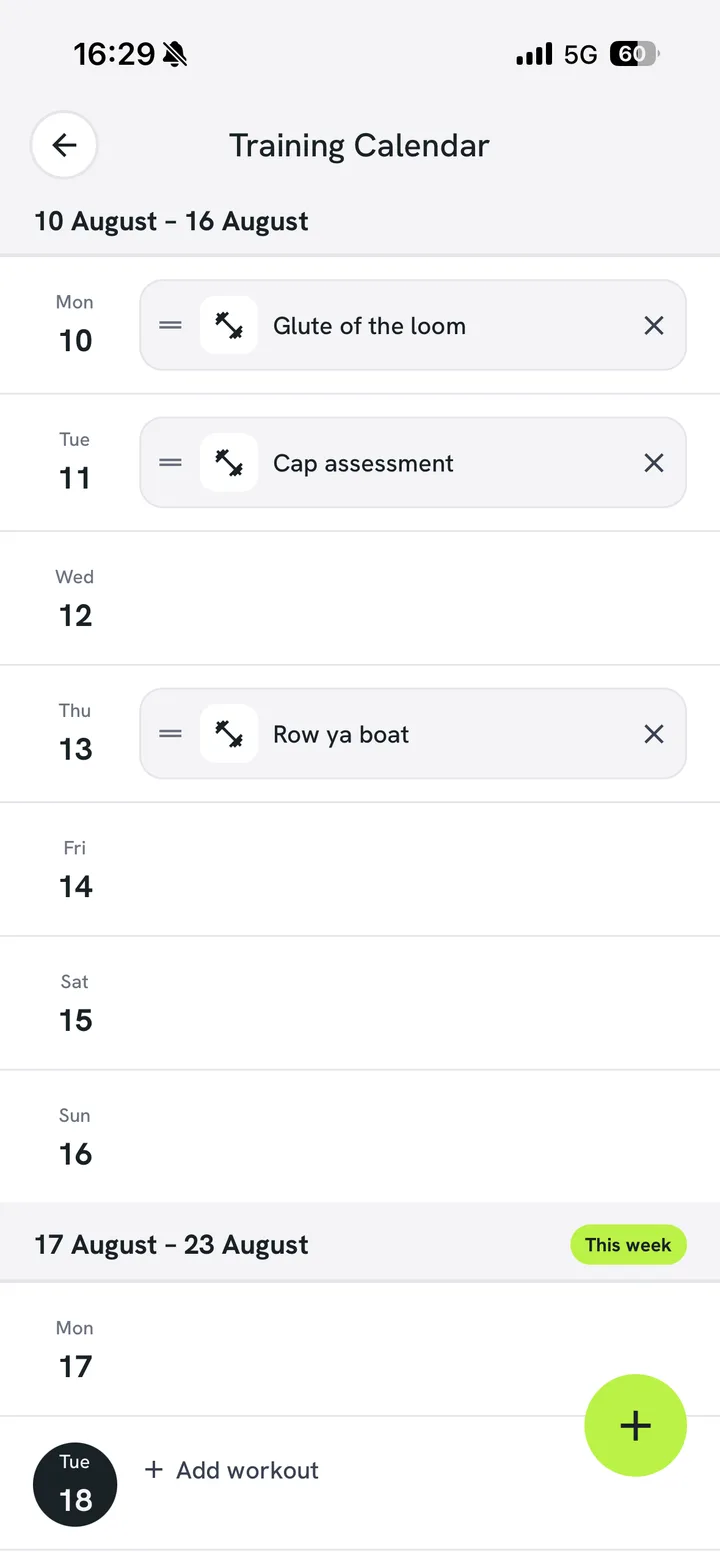
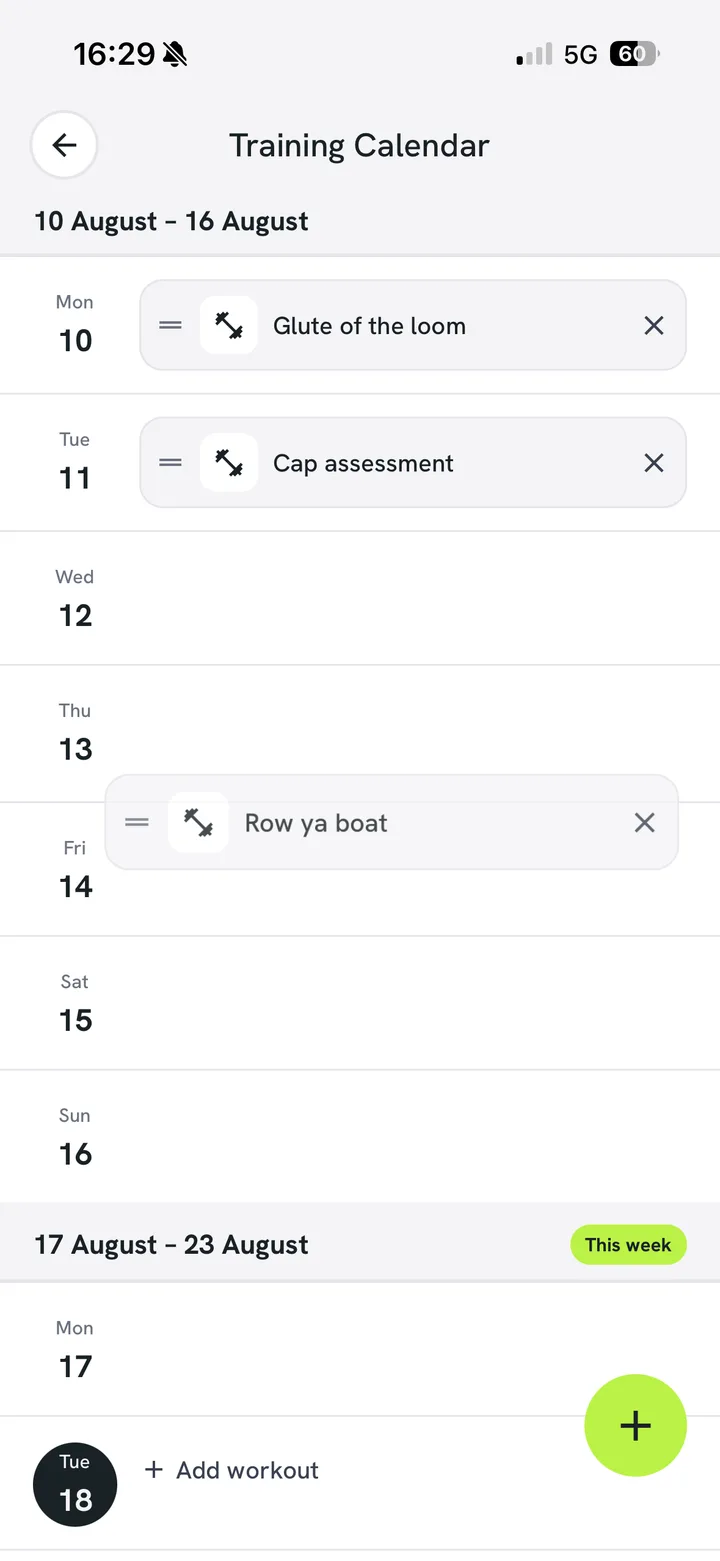
Drag Thursday to Saturday and everything after it adjusts. The plan stays coherent instead of turning into a list of things you owe.
- Drag and drop the weekReschedule in a second when work or family moves.
- Rest days on the calendarRecovery is scheduled, not what is left over.
- Reminders before each sessionA nudge at a time you choose, not a stream of alerts.
The longer view
See the month, not just tomorrow
Zoom out and the block reads at a glance: sessions done, sessions planned, rest days and where the volume lands. Useful when you are deciding whether this week is realistic.
Weekand month views
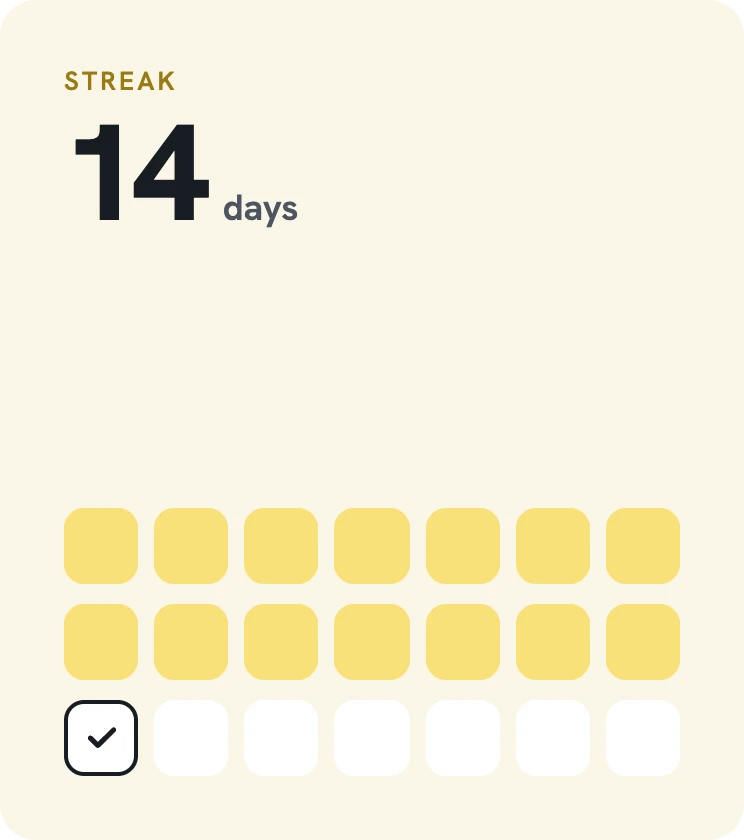
Streaksfrom completed sessions
Syncedwith your phone calendar
Frequently asked questions
Questions about calendar scheduling
Anything else, you’ll be talking to the people who build Pack PT, not a sales rep.
Download freeIt stays marked as missed rather than disappearing, so your history is honest and progression stays sensible.
Fit training around your week.
Free to start, no card needed. Bring a coach in whenever you want one.