

Recovery
Know when to push and when to back off.
Connect your wearable and it syncs in the background. Every metric sits on the same timeline as your sessions.
- Apple Health and Google Health
- Syncs in the background
How it works
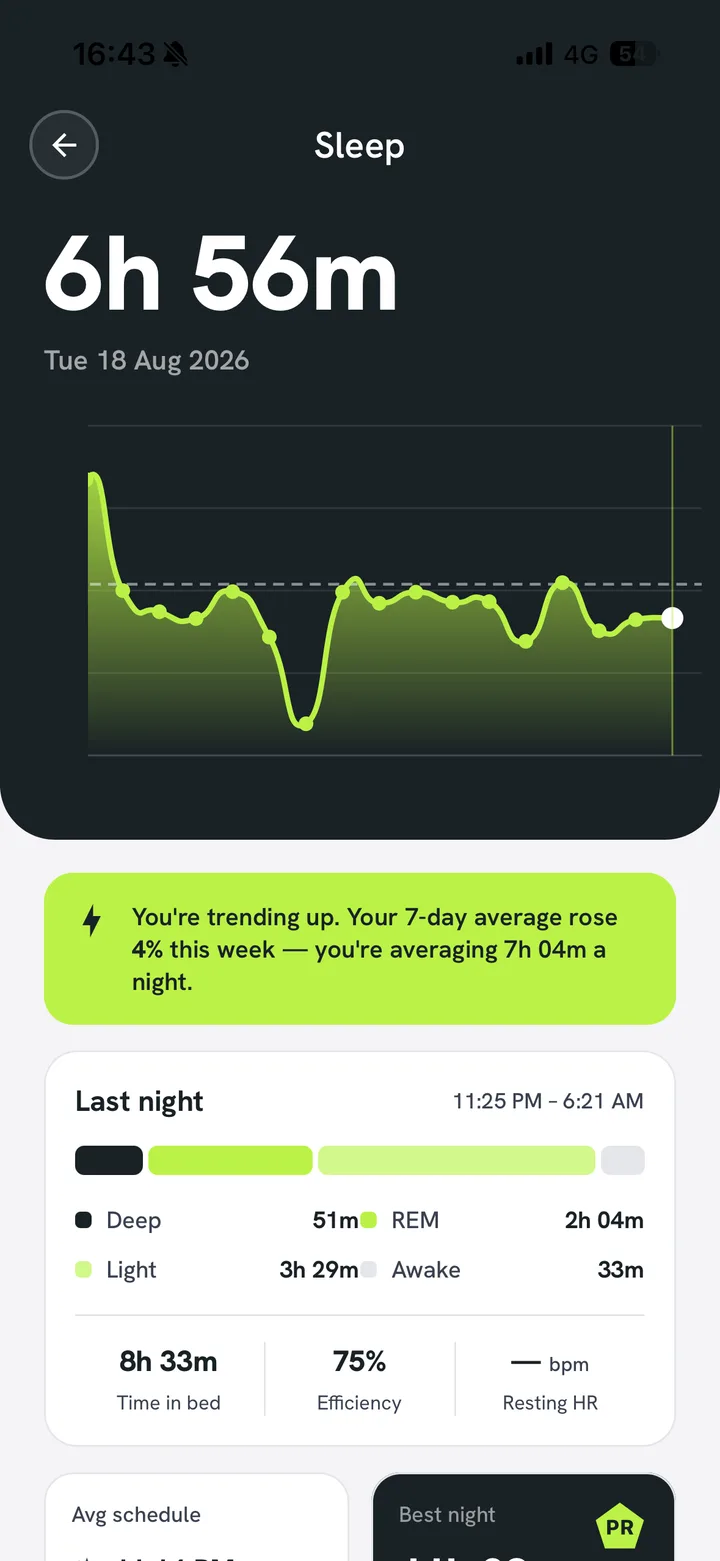
Sleep, HRV and heart rate next to your training
Connect once and the data arrives on its own. Because it sits on the same timeline as your sessions, you can see what a heavy week did to your recovery.
- One timeline, both sidesTraining load and recovery in the same view.
- Nothing to log by handYour watch does the work in the background.
- Trends over weeksDirection matters more than one bad night.
What it connects to
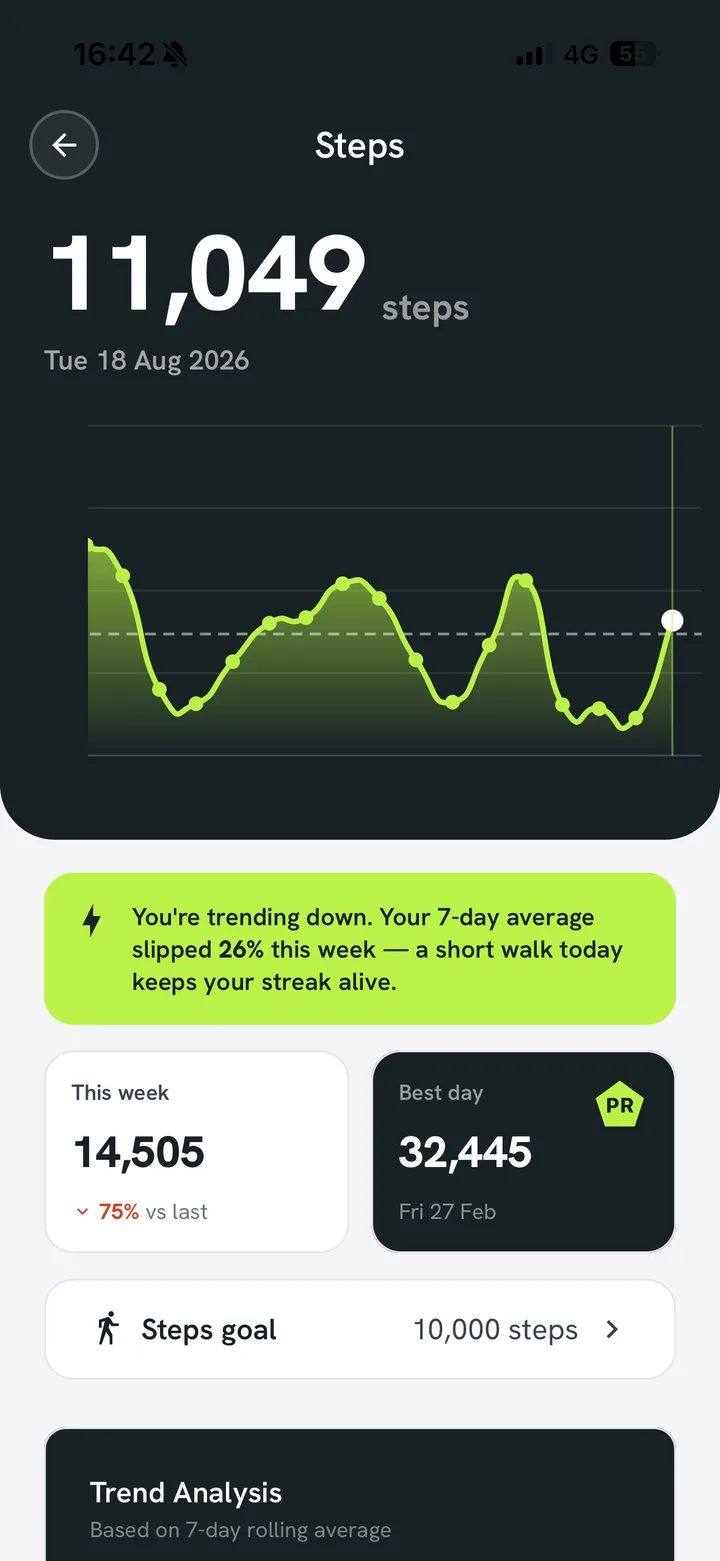
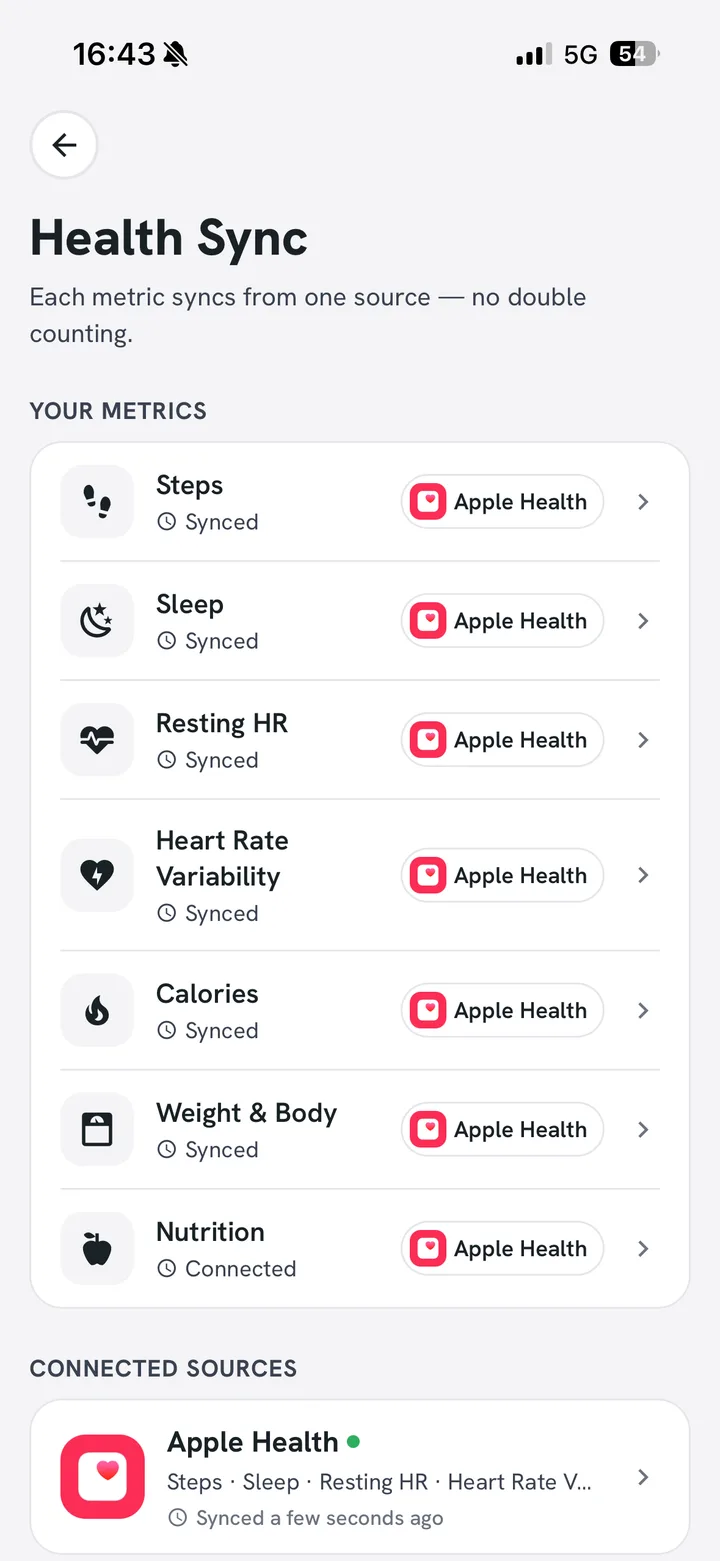
Works with the watch you already wear
Anything that writes to Apple Health or Google Health. Connect it once and it keeps syncing without you thinking about it.
AppleHealth and Apple Watch
GoogleHealth for Android
Onceconnected, it just syncs
Frequently asked questions
Questions about recovery
Anything else, you’ll be talking to the people who build Pack PT, not a sales rep.
Download freeAnything that writes to Apple Health or Google Health. That covers Apple Watch and most trackers.
Train with recovery in view.
Free to start, no card needed. Bring a coach in whenever you want one.